

PC optimisation for Unreal Engine 5 games: settings, VRAM and system requirements
A practical guide to performance in UE5 games on PC: the settings with the biggest impact, what eats video memory, how to read minimum and recommended requirements, and the measured story of how we cut a planet's VRAM by 58 % and its cloud cost from 15.5 to 3.5 ms.
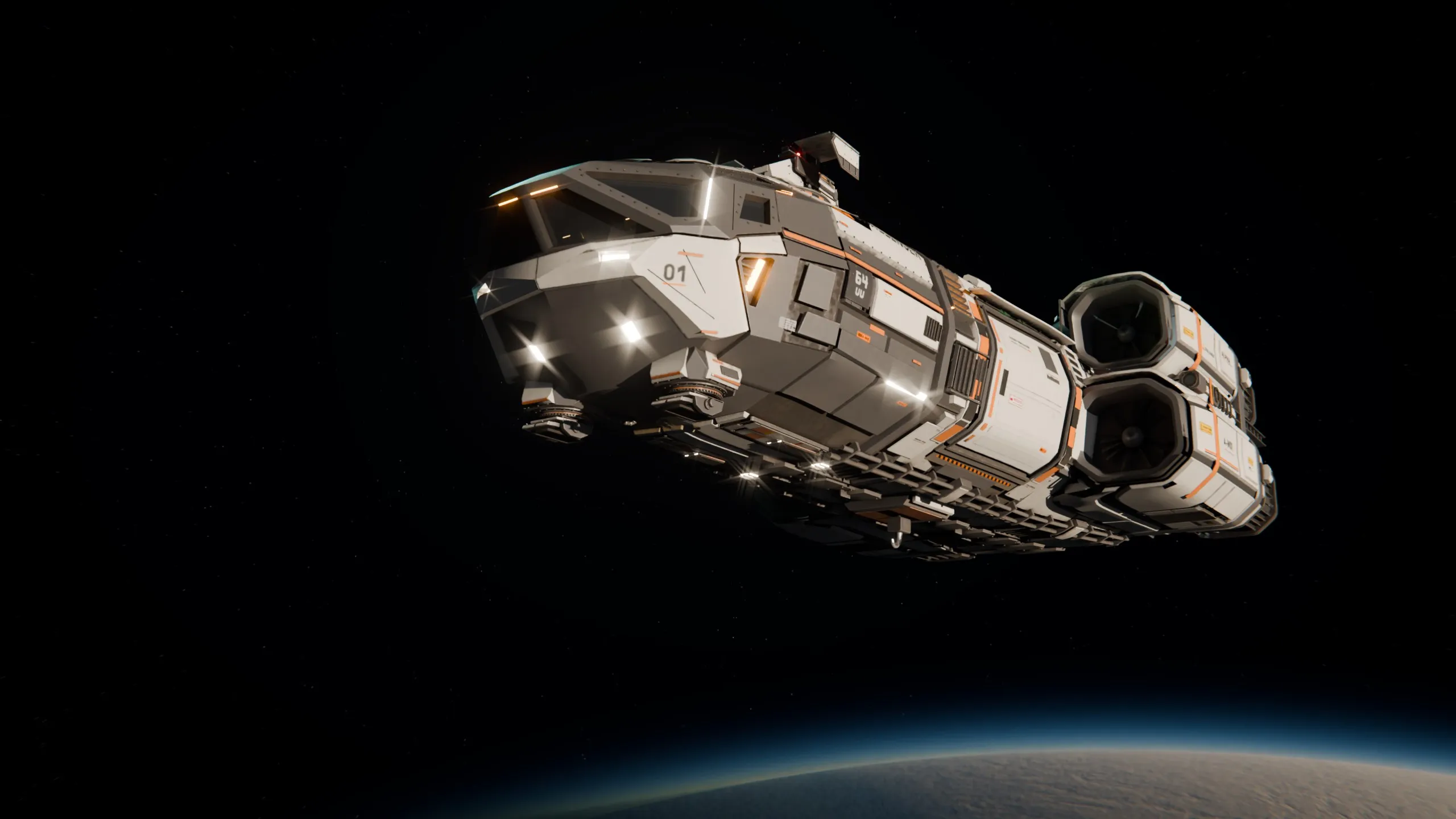
In short
- In Unreal Engine 5 games, the biggest performance levers are the internal resolution (upscaler mode), global illumination quality (Lumen), shadows, volumetric effects and view distance.
- Video memory runs out because of textures and also because of geometry and engine buffers; in our planet test scene, only 17.7 % of what the process called “textures” was actual art.
- System requirements describe a target experience, not a guarantee: always read them with the resolution, settings and frame rate they assume.
- An optimisation pass on COLONIZED's development build took a planet test scene from 12,480 MB to 5,256 MB of video memory at 3440×1440 on an RTX 5070 Ti. COLONIZED's system requirements have not been published.
Performance in an Unreal Engine 5 game on PC comes down to a handful of decisions: the internal resolution the game renders at (set by the upscaler mode), the quality of global illumination and shadows, volumetric effects such as clouds and fog, and how far the game draws detail. Video memory is a separate limit: when it runs out, frame rate collapses no matter how fast the GPU is. This guide explains each lever, how to read a game’s system requirements, and what we learned measuring a whole planet in COLONIZED.
The settings that matter, in order
| Setting | What it changes | Impact | What to do first |
|---|---|---|---|
| Upscaler mode (DLSS, TSR) | The internal resolution | The biggest single lever | Use DLSS Quality or DLAA on RTX cards, TSR on others; lower the mode before lowering the output resolution |
| Global illumination (Lumen) | How light bounces | High: Epic budgets about 4 ms per frame for 60 fps on console | One step down roughly halves its cost |
| Shadows | Shadow resolution and distance | High in sunny, open scenes | Lower one step; keep the sun’s shadows sharp if you can |
| Volumetric clouds and fog | Sky and atmosphere | High from altitude or in thick weather | Lower quality before turning them off |
| View distance and foliage | How far detail and vegetation reach | Medium to high in open worlds | Reduce density before distance |
| Textures | Surface detail | Low on frame rate, high on video memory | Match it to your card’s VRAM |
| Frame generation | Extra generated frames | More smoothness, more latency | Only from an already playable frame rate; see our DLSS guide |
Two rules of thumb make the table easier to use. Change one setting at a time and measure in the same place, because the sky, the time of day and the number of objects on screen can move frame times by several milliseconds. And prefer image-quality upscaling over lower resolution: reconstructing from a lower internal resolution almost always looks better than a blurry output.
Why video memory runs out
Video memory (VRAM) holds everything the GPU needs to draw a frame: textures, geometry, shadow maps, the history buffers of temporal upscalers, the scene data of global illumination and dozens of internal pools. When the total no longer fits, the driver starts moving data in and out of system memory, and frame times become erratic.
The common assumption is that textures are the problem. Often they are only part of it. In the planet test scene we describe below, the process reported 3,774 MB of “textures”, and only 667.6 MB of it, 17.7 %, was actual art. The rest was engine scaffolding: render targets, history buffers, global illumination data and textures nobody could see at that resolution.
How to read system requirements
- Minimum usually means the game runs at a low preset, at 1080p or with heavy upscaling, at around 30 fps. Recommended usually means a comfortable experience at a higher preset. Unless the publisher states resolution and frame rate, treat them as approximate.
- Video memory is the line to read first in 2026: it is usually the first wall a large open world hits, before raw GPU speed.
- Storage type matters more than it used to. Engines that stream geometry and textures continuously, as Nanite does, recommend an SSD.
- The upscaler is part of the requirement. Many recommended specs assume DLSS, TSR or a similar technology is on.
A real case: one planet, measured
COLONIZED is a space survival MMORPG in development, built in Unreal Engine 5.8, and a planet you can walk on from the ground to orbit is one of the hardest things to make run well. These numbers come from our development build, measured at 3440×1440 native on an RTX 5070 Ti with 16 GB. They are development measurements, not system requirements.
Video memory: from 12,480 MB to 5,256 MB
The first diagnosis came from the engine’s own memory dump at the moment the scene first went over budget: vertex buffers were 56 % of everything the renderer had allocated, and 2D textures less than 2 %. The problem was not art or effects: it was terrain geometry packed badly.
| Metric | Before | After |
|---|---|---|
| Video memory of the process | 12,480 MB | 5,256 MB (no texture demoted) |
| System memory of the process | 39,873 MB | about 15,500 MB |
| Live terrain chunks | 2,055 | 752 |
| Terrain triangles | 69.4 million | 25.4 million |
| Memory per terrain chunk | 5.80 MiB | 0.72 MiB |
What moved the numbers:
- Indexed geometry. The default path of the dynamic mesh component uploaded three vertices per triangle. Indexing it, which is exact because the chunks have no attribute seams, cut the vertex upload by almost six times.
- A horizon cull that was off where people play. Below 500 metres of altitude, the terrain was meshing the entire sphere, including the far side of the planet 1,570 km away.
- Two sky textures of 384 MB each. A resource dump with one row per allocation found that the starfield and nebula cubemaps were 8,192 × 8,192 pixels per face, with no mipmaps: more memory than the whole terrain. At our resolution and field of view, 4,096 is already one texel per pixel. Capping the sky saved 975 MB.
- Five memory pools nobody had decided. Temporal upscaler history, Nanite streaming, volumetric fog, the global illumination atlas and reflection captures were running at engine defaults. Sizing them for the game saved 770 MB.
- Smaller details: a shared 16-bit index buffer for all chunks (290 MB) and taking the scattered rocks out of the distance-field scene they did not need (312 MB).
Clouds: from 15.5 ms to 3.5 ms, without an upscaler
Our volumetric clouds cost about 15.5 ms per frame at the start of their optimisation campaign and 3.5 ms at the end, at native resolution. Two rules were fixed from the start: no fewer samples per ray, because the clouds looked pixelated, and no upscaler as the fix, because upscaling is the player’s choice, not our solution. The savings came from a smaller weather map, temporal reprojection with a clean edge, and fewer samples for the cloud shadow rays, all checked against captures in low, grazing sunlight.
A meadow: from 22.9 ms to 11–12 ms of GPU time
A large grassland scene went from 22.94 ms of GPU time (median) to 11.1–12.4 ms, depending on the sky, without changing the approved look. The biggest single win was turning on instance occlusion culling: −5.16 ms, five times what we had estimated, because in rolling hills most instances are hidden behind the terrain. The second was restoring a grass setting that had silently reverted, which took the ground cover from 2.61 ms to 0.14 ms.
What we learned
- Measure in pairs. Absolute numbers between two launches are not comparable: the sky alone moves them by about 3 ms. Only paired A/B tests, or undoing a change and watching the cost come back, tell the truth.
- Read the memory dump before guessing. Two “obvious” hypotheses (that placed level instances cost gigabytes, and that a smaller texture streaming pool frees memory) were wrong; both turned out to be worth zero.
- Lowering can raise quality. The memory freed by capping maps nobody can resolve can pay for higher-quality ground textures, the surface that covers 80 % of the screen.
- We have not measured an 8 GB card honestly yet. Our whole campaign ran at 3440×1440, and the engine cannot simulate a smaller card’s memory budget. Measuring at 1080p and on smaller cards comes before we publish any requirement.
What this means for COLONIZED’s requirements
They have not been published, and we will not publish them until we have measured them on the cards people actually own. When the closed alpha application asks about your CPU, GPU and RAM, that is what it is for. The technologies behind these numbers are explained in Nanite and Lumen explained and DLSS, frame generation and Reflex explained.
Questions and answers
Which graphics settings matter most in Unreal Engine 5 games?
The upscaler mode (which sets the internal resolution), global illumination quality, shadow quality, volumetric clouds and fog, and view distance and foliage density. Texture quality matters mostly for video memory, not for frame rate, until memory runs out.
How much VRAM do Unreal Engine 5 games need?
It depends on the game, the resolution and the texture setting. For COLONIZED there are no system requirements yet; in our own measurements, a planet scene went from 12,480 MB to 5,256 MB of video memory at 3440×1440 on an RTX 5070 Ti after optimisation, and the development target is under 8 GB. These are development measurements, not requirements.
What are the system requirements of COLONIZED?
They have not been published. The performance figures we share are development measurements at 3440×1440 on an RTX 5070 Ti with 16 GB, not requirements. The closed alpha application asks about your hardware so the team knows which PCs to test on.
Is it better to lower the resolution or use DLSS?
On an RTX card, DLSS Super Resolution (or Unreal's TSR on other cards) usually gives a much better image than lowering the output resolution, because it reconstructs detail from several frames. Start with the Quality mode and go down only if you need to.
Sources
Third-party figures link to their source. The date is the publication date or, when there is none, the day we checked the page.
- Lumen performance guide · Epic Games documentation · 2026-10-13
- Virtual Shadow Maps · Epic Games documentation · 2026-10-13
- Nanite virtualized geometry · Epic Games documentation · 2026-10-13
- Temporal Super Resolution · Epic Games documentation · 2026-10-13
- NVIDIA DLSS technology page · NVIDIA · 2026-10-13
Keep reading
 Render
DLSS, DLAA, frame generation and Reflex explained (2026)
NVIDIA's RTX technologies without the marketing: what each part of DLSS does, which GeForce cards support it in 2026, why generated frames do not respond to your input and how Reflex fits in. Plus how COLONIZED's development build uses them.
4 min read
 Render
Nanite and Lumen explained: how Unreal Engine 5 draws a world
Nanite and Lumen without the marketing: how virtualised geometry and dynamic global illumination work, what Virtual Shadow Maps, MegaLights and TSR add, the budgets and limits Epic documents, and two lessons from using them on a whole planet.
6 min read
 Render
Devlog: what exists in COLONIZED today, and what does not yet
The first devlog on the new site does one job: sort every system of COLONIZED into done, in development or designed, with the numbers behind it, plus two things we got wrong and how we fixed them.
5 min read
