

DLSS, DLAA, frame generation and Reflex explained (2026)
NVIDIA's RTX technologies without the marketing: what each part of DLSS does, which GeForce cards support it in 2026, why generated frames do not respond to your input and how Reflex fits in. Plus how COLONIZED's development build uses them.
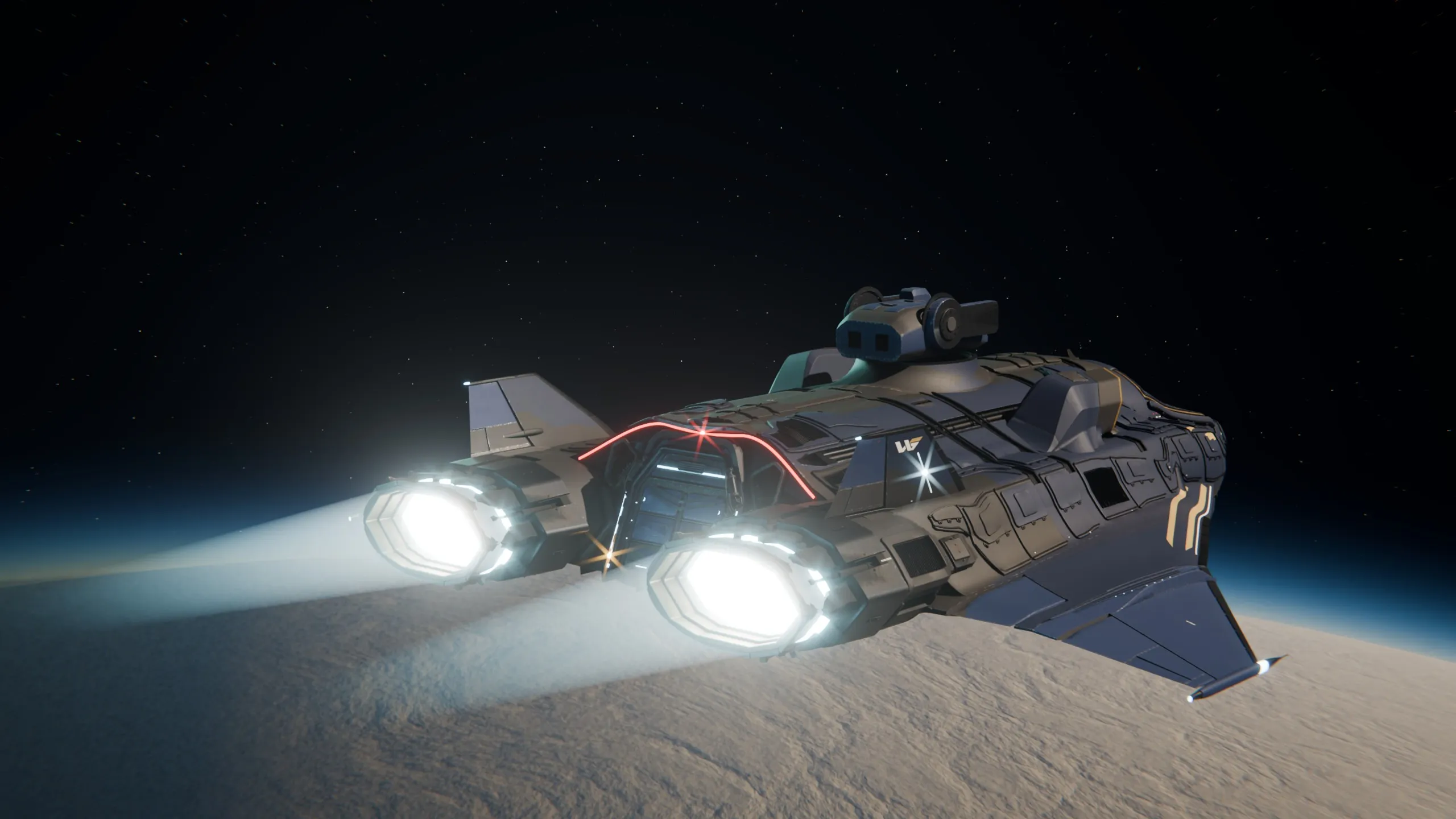
In short
- DLSS Super Resolution renders a game at a lower resolution and reconstructs a sharp image with AI; DLAA uses the same model at native resolution, purely for image quality. Both work on every GeForce RTX card.
- Frame Generation creates extra frames between rendered ones: one per frame on RTX 40 and 50, and up to five per frame with Multi Frame Generation on RTX 50 since March 2026.
- Generated frames do not respond to your input, and interpolation adds latency. Reflex reduces it, and it is mandatory wherever DLSS Frame Generation is used.
- COLONIZED's development build integrates NVIDIA's DLSS package for Unreal with a quality-first policy: DLAA when the native resolution fits in about 2.25 megapixels, Quality mode above that.
DLSS is NVIDIA’s family of AI rendering technologies for GeForce RTX cards. Its parts do different jobs: Super Resolution renders the game at a lower resolution and rebuilds a sharp image; DLAA uses the same model at native resolution, only for image quality; Ray Reconstruction cleans up ray-traced lighting; Frame Generation inserts extra frames between the ones the game renders. Reflex is a separate technology that cuts the delay between your input and what you see.
The names change with every generation (DLSS 3, 3.5, 4, 4.5, 5), which is why so much of what is written about them is out of date. This guide sorts it out with NVIDIA’s own documentation as of October 2026.
What each part does and which cards support it
| Feature | What it does | GeForce RTX 50 | RTX 40 | RTX 30 | RTX 20 |
|---|---|---|---|---|---|
| Super Resolution | Renders below native resolution and reconstructs the image | Yes | Yes | Yes | Yes |
| DLAA | The same model at native resolution, for image quality | Yes | Yes | Yes | Yes |
| Ray Reconstruction | Replaces hand-tuned denoisers for ray-traced effects with an AI model | Yes | Yes | Yes | Yes |
| Frame Generation | One generated frame per rendered frame | Yes | Yes | No | No |
| Multi Frame Generation | Up to five generated frames per rendered frame, with a dynamic mode | Yes | No | No | No |
Source: NVIDIA’s DLSS support matrix, checked on 13 October 2026.
Super Resolution and DLAA: the image
Super Resolution is the original DLSS: the game renders, for example, at 1440p on a 4K screen, and a neural network trained by NVIDIA reconstructs the missing detail using the current frame, previous frames and motion data. DLSS 4, in January 2025, replaced the convolutional network with a transformer model with twice the parameters. DLSS 4.5, announced at CES in January 2026, brought a second-generation transformer with five times the compute of the first, trained in linear colour space.
That extra compute has a cost on older cards. RTX 40 and 50 cards run the new model with FP8 precision, which doubles inference speed; RTX 20 and 30 cards lack FP8, so NVIDIA suggests the lighter preset K for them and presets M and L for the more aggressive modes.
DLAA is the same reconstruction model running at native resolution. It gives no performance, only a cleaner image than traditional anti-aliasing, and it makes sense when your card already reaches the frame rate you want.
Frame Generation: more frames, not faster response
Frame Generation arrived with DLSS 3 in September 2022, on RTX 40 cards: the GPU generates a frame between two rendered ones, reconstructing seven out of every eight pixels you see. DLSS 4 extended it to Multi Frame Generation on RTX 50, with up to three generated frames per rendered one, and on 31 March 2026 NVIDIA released the dynamic mode and the 6X mode, which generates up to five frames per rendered one and adjusts the multiplier to your monitor’s refresh rate.
The part that marketing tends to blur: generated frames do not respond to your input. They are interpolated from frames that already exist, and interpolation needs to hold the latest rendered frame back for a moment. Compared with the same settings without Frame Generation, latency goes up. NVIDIA’s own programming guide warns that high multipliers on low-refresh monitors produce significantly higher input latency.
That is why NVIDIA makes Reflex mandatory wherever DLSS Frame Generation is integrated. Reflex synchronises the CPU and GPU so frames do not queue up, and recovers part of the delay. When NVIDIA advertises latency “cut in half”, the comparison is against native rendering without DLSS or Reflex.
Reflex and Reflex 2
Reflex reduces system latency by keeping the render queue empty, and it is the piece that makes Frame Generation playable. Reflex 2, announced in January 2025, adds Frame Warp: it shifts the final frame with your latest mouse movement just before it is displayed. As of October 2026, NVIDIA’s own Reflex page still lists Frame Warp as “coming soon”.
How to think about these settings
- Frame Generation multiplies what you already have. It turns a playable frame rate into a smoother one; it does not turn an unplayable one into a responsive one.
- Match the multiplier to your monitor. Generating frames your screen cannot show adds latency for nothing.
- Prefer image quality modes when you can. If your card already reaches your target, DLAA or the Quality mode of Super Resolution give a cleaner image than the Performance modes.
- Check the generation of your card. Multi Frame Generation is RTX 50 only, and the heaviest DLSS 4.5 presets cost more on RTX 20 and 30.
How COLONIZED uses it (development build)
COLONIZED’s development build integrates NVIDIA’s DLSS package for Unreal Engine (DLSS Super Resolution and DLAA, Frame Generation with Multi Frame Generation on RTX 50, and Reflex) through its own settings layer, with an NVIDIA tab in the graphics menu. On compatible GPUs it is on by default, with a policy we chose on purpose: always the highest image quality. The automatic mode uses DLAA when the native resolution fits in about 2.25 megapixels (1920×1080 is 2.07) and Quality mode above that, and it never picks Balanced or Performance on its own. On graphics cards without DLSS, the game falls back to Unreal’s Temporal Super Resolution.
The order matters to us: we optimise at native resolution first and treat DLSS as a quality layer on top, not as the fix. Our volumetric clouds, for example, went from about 15.5 ms to 3.5 ms per frame at 3440×1440 native on an RTX 5070 Ti without any upscaler, before DLSS entered the picture. The full story of that kind of work is in our PC optimisation guide.
What the released game will offer and enable by default has not been decided; these are the settings of the build we develop on today.
Questions and answers
Does frame generation reduce input lag?
No. Generated frames are created from frames that were already rendered, so they do not respond to your input, and interpolation holds back the latest frame, which adds latency. The latency reductions NVIDIA advertises come from Super Resolution and Reflex, compared with native rendering without Reflex.
Which GeForce cards support DLSS Frame Generation?
Frame Generation works on GeForce RTX 40 and RTX 50 cards. Multi Frame Generation, including the dynamic mode and the 6X mode added in March 2026, is exclusive to the RTX 50 series. Super Resolution, DLAA and Ray Reconstruction work on every RTX card.
What is the difference between DLSS and DLAA?
DLSS Super Resolution renders below your screen resolution and reconstructs the image, to gain performance. DLAA runs the same AI model at native resolution to improve image quality, with no performance gain.
Does COLONIZED support DLSS?
The development build integrates DLSS Super Resolution and DLAA, Frame Generation and Reflex, on by default on compatible GPUs, and uses Unreal's TSR on other graphics cards. The options of the released game have not been announced.
Sources
Third-party figures link to their source. The date is the publication date or, when there is none, the day we checked the page.
- NVIDIA DLSS technology page and support matrix · NVIDIA · 2026-10-13
- DLSS 3: AI-powered neural graphics innovations · NVIDIA · 2022-09-20
- DLSS 3.5 Ray Reconstruction · NVIDIA · 2023-08-22
- DLSS 4: Multi Frame Generation · NVIDIA · 2025-01-06
- DLSS 4.5: second-generation transformer Super Resolution · NVIDIA · 2026-01-06
- DLSS 4.5 Dynamic Multi Frame Generation and 6X mode released · NVIDIA · 2026-03-31
- NVIDIA Reflex · NVIDIA · 2026-10-13
- Reflex 2 with Frame Warp · NVIDIA · 2025-01-06
- Streamline DLSS-G programming guide · NVIDIA (GitHub) · 2026-10-13
- DLSS plugin for Unreal Engine · NVIDIA Developer · 2026-10-13
Keep reading
 Render
Nanite and Lumen explained: how Unreal Engine 5 draws a world
Nanite and Lumen without the marketing: how virtualised geometry and dynamic global illumination work, what Virtual Shadow Maps, MegaLights and TSR add, the budgets and limits Epic documents, and two lessons from using them on a whole planet.
6 min read
 Render
PC optimisation for Unreal Engine 5 games: settings, VRAM and system requirements
A practical guide to performance in UE5 games on PC: the settings with the biggest impact, what eats video memory, how to read minimum and recommended requirements, and the measured story of how we cut a planet's VRAM by 58 % and its cloud cost from 15.5 to 3.5 ms.
6 min read
 Render
Devlog: what exists in COLONIZED today, and what does not yet
The first devlog on the new site does one job: sort every system of COLONIZED into done, in development or designed, with the numbers behind it, plus two things we got wrong and how we fixed them.
5 min read
